
Key facts
- Brand
- Lenovo
- Model
- M3200
- Category
- All-in-one printer
- Industry
- Computers
- Documents
- 2
- Languages
- ZH
- Last added
- 2012-03-16
Start here
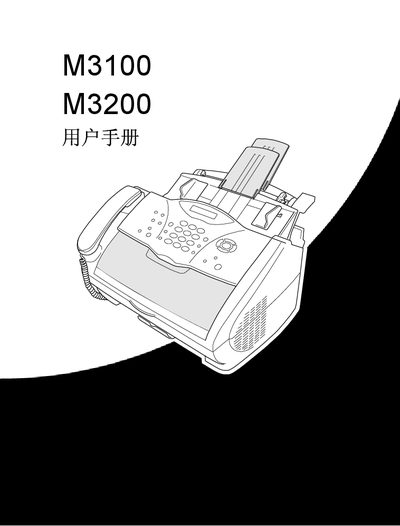
Lenovo M3100/M3200 All-in-One User Manual
This manual provides step‑by‑step instructions for using the Lenovo M3100 and M3200 all‑in‑one devices. It covers initial setup, menu navigation, and the functions of the LCD screen to help users operate printing, scanning, faxing, and telephone features.
The guide also includes detailed procedures for sending and receiving faxes, storing single‑dial and speed‑dial numbers, making phone calls, and performing copy operations. Additional sections explain how to access the online documentation from the supplied CD and outline advanced settings for power users. This manual is written in Chinese.
Lenovo M3200 specifications
| Paper Capacity | 200 sheets or 10 envelopes |
|---|---|
| Supported Paper Sizes | A4, Letter |
| Interface Options | IEEE 1284 parallel cable or USB cable (≤6 ft) |
Source: Lenovo M3200 Laser Multi-Function All-in-One Service Manual
All Lenovo M3200 documents by type
Day-to-day operation, settings and troubleshooting. Start here if the product is already set up.
Disassembly, diagnostics and part numbers, for repair.
Questions answered in these manuals
What cable is needed to connect the M3200 to a computer?
Use an IEEE 1284‑compatible parallel cable or a USB cable no longer than 6 feet (1.8 m).
From: Lenovo M3200 Laser Multi-Function All-in-One Service Manual
How many sheets can the feeder hold?
The feeder can hold up to 200 sheets of plain paper or 10 envelopes.
From: Lenovo M3200 Laser Multi-Function All-in-One Service Manual
How do I send a fax with the M3100/M3200?
Place the original face‑down in the automatic feeder, press the fax start key, and follow the on‑screen prompts to enter the fax number and settings.
How can I store a single‑dial number?
Press the menu/set key, then press 2‑3‑1, select the single‑dial key, enter up to 20 digits, optionally add a name, and confirm with the menu/set key.