
This document is a user manual for the Lenovo M3100 and M3200 all-in-one machines. The manual introduces the ease of operation of the device, the prompt function of the LCD display, the use of the report button, and how to find and use the information in the manual. The manual also provides some notes and warnings, as well as recommendations for the use of consumables. The manual also introduces the user-friendly program design and alternate display function of the device. In addition, the manual provides some quick reference guides, including steps for sending faxes, sending fax covers, real-time transmission, and receiving faxes.
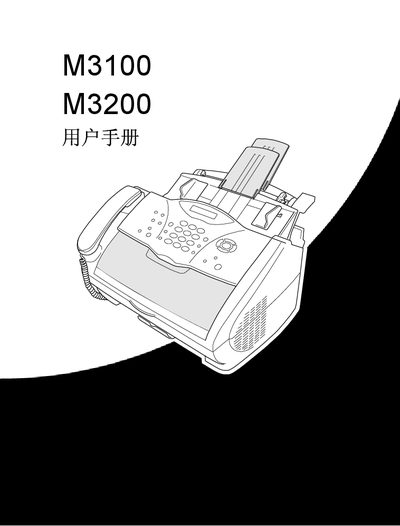
This manual provides step‑by‑step instructions for using the Lenovo M3100 and M3200 all‑in‑one devices. It covers initial setup, menu navigation, and the functions of the LCD screen to help users operate printing, scanning, faxing, and telephone features.
The guide also includes detailed procedures for sending and receiving faxes, storing single‑dial and speed‑dial numbers, making phone calls, and performing copy operations. Additional sections explain how to access the online documentation from the supplied CD and outline advanced settings for power users. This manual is written in Chinese.
Place the original face‑down in the automatic feeder, press the fax start key, and follow the on‑screen prompts to enter the fax number and settings.
Press the menu/set key, then press 2‑3‑1, select the single‑dial key, enter up to 20 digits, optionally add a name, and confirm with the menu/set key.
Insert the supplied CD into the computer’s CD drive, run the setup program, and click the user manual link.
Press the query/speed‑dial key, enter the first letter of the name, select the number, then press the fax start key to dial.