
This document is the operating manual of Leica SP5 published by the University of Zurich Center for Microscopy and Image Analysis
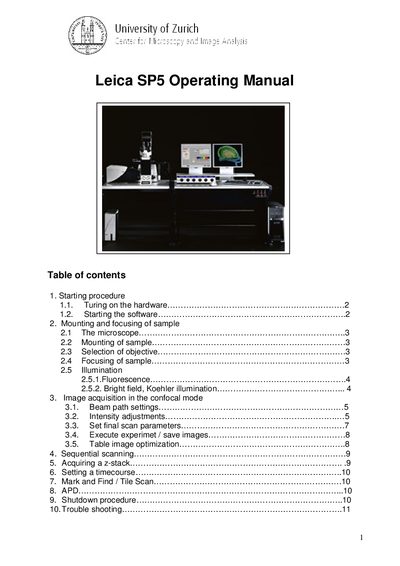
This manual explains how to start the Leica DMI 6000 microscope, mount and focus samples, select illumination modes, and acquire images in confocal, bright‑field, and DIC modes. It also details configuration of laser lines, detector settings, and image‑saving procedures.
Additional sections cover time‑course acquisition, tile‑scan and mark‑and‑find functions, routine shutdown, and troubleshooting common issues such as missing signals or software freezes.
| Laser line wavelength | 488 nm |
|---|---|
| Laser intensity (example setting) | 20 % |
| Optimal pixel size for 63× oil objective (NA 1.4) | 60 nm |
| Typical image frame size | 512 × 512 pixels |
Turn on the fluorescence lamp, switch on the three panel switches, turn on the laser key, and log in to the computer.
Verify that the lasers are turned on, the detector is selected, and the gain is set above zero (typically 700–1000 V).