
This document is a Quick Start User Guide of Leica TCS SP5 Confocal Microscope
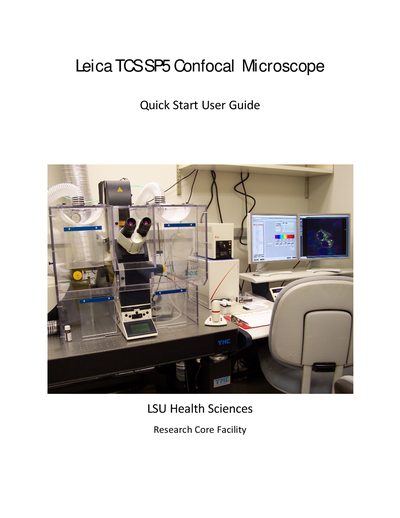
This guide provides step‑by‑step instructions for starting up the Leica TCS SP5 confocal microscope, selecting objectives, turning on lasers, and configuring acquisition settings. It also includes safety reminders, sample mounting tips, and detailed instructions for Z‑stack and time‑course imaging.
The document finishes with shutdown procedures and a brief specifications summary, listing the system’s lasers, objectives, operating system, and environmental chamber features.
| System type | point scanning spectral confocal with five channels |
|---|---|
| Operating system | Windows XP |
| Environmental chamber | Ludin chamber with temperature, humidity, CO2 control |
| Blue diode laser | 50 mW 405 nm |
| Objective example | HC Plan Apo 10x/0.40 CS |
Turn on the mercury lamp power source, then the scanner power, then the laser power, and log in with your user ID and password.
Save images, shut down the computer, turn off the mercury lamp power supply, turn the laser key counter‑clockwise, switch off scanner power, then switch off the PC/Microscope button and finally the laser power button after a 5‑minute wait.