
This document is a manual for Apple Macintosh computers and their operating system, as well as a basic introduction to the features of Minolta digital cameras.
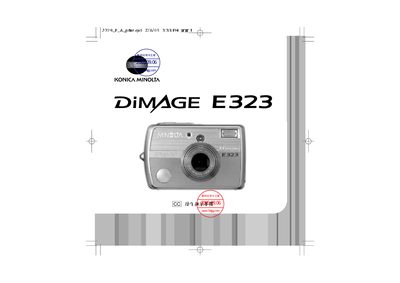
The manual begins with safety and handling warnings, explaining the proper use of batteries, AC adapters, and environmental precautions to prevent injury or damage. It also details how to install and replace batteries, insert memory cards, and connect accessories.
Subsequent sections describe the camera’s basic functions such as power on/off, shooting modes, playback, DPOF printing, USB data transfer, and includes a troubleshooting guide for common issues. This manual is written in Chinese.
| Battery type | AA alkaline or Ni‑MH (CR‑V3) |
|---|---|
| USB interface | USB connector for data transfer |
| AC adapter model | AC‑7 or AC‑7E |
Only AA alkaline or Ni‑MH (CR‑V3) batteries specified in the manual may be used.
Use the AC‑7 or AC‑7E AC adapter, or install the approved batteries.
Connect the camera via the USB interface to transfer data.