
This user guide introduces the features and characteristics of the Kodak EasyShare C183 digital camera, including installing software, transferring pictures, marking pictures, using the flash, and more.
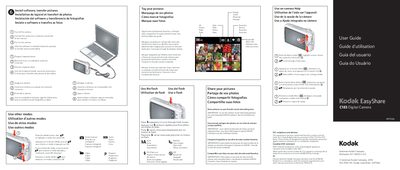
This guide explains how to install the Kodak software, connect the camera to a computer, and transfer pictures and videos. It also covers basic camera functions such as selecting modes, using the flash, tagging photos with keywords, favorites, or face recognition, and accessing on‑camera help.
The manual describes how to store images on an optional SD or SDHC card, share pictures on social‑networking sites, and provides regulatory information such as FCC and CE compliance. Additional sections cover language and date/time settings, battery installation, and video recording.
| Battery type | AA (4) |
|---|---|
| Memory card | SD or SDHC |
| Display | LCD screen |
Install the Kodak software, connect the camera to a computer with Internet, and follow the prompts to transfer pictures and videos.
Use keywords, favorites, or people (face recognition) to tag pictures for easy searching later.
Turn off the camera, insert the SD or SDHC card until it clicks, then turn the camera back on.