
Jabra Stone2 wireless Bluetooth headset, can answer calls with your voice and stream multimedia from your phone.
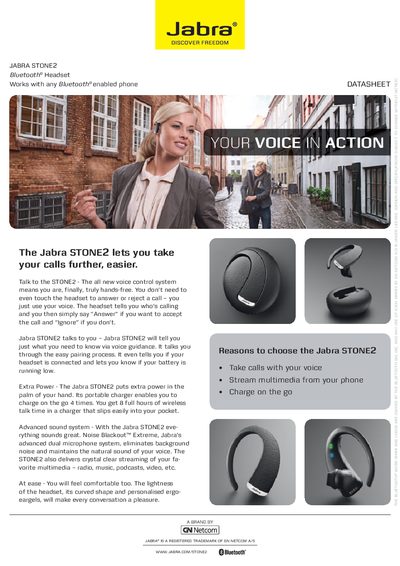
The Jabra STONE2 is a Bluetooth® headset that lets you answer calls and control playback hands‑free using voice commands. It includes a portable charger that provides up to four charges, giving up to 10 hours of talk time and 15 days of standby.
This guide covers charging the headset, pairing it with a phone, turning it on and off, and using the answer/end button, voice‑activated call answering, and voice guidance. It also lists key specifications such as weight, dimensions, and Bluetooth version.
| Talk time | up to 10 hours |
|---|---|
| Standby time | up to 15 days |
| Weight | 7 g |
| Bluetooth version | 2.1 + EDR & eSCO |
| Charging plug | Micro‑USB 5‑Pin / B Type |
| Dimensions | 58 mm × 50.7 mm × 24.7 mm |
Place the headset in the portable charger; the red light turns off when fully charged.
Say “Answer” to accept a call or “Ignore” to reject it; you can also tap the answer/end button.
It announces the low‑battery condition via voice guidance and the status display shows LEDs indicating the remaining charge.