
Key facts
Start here
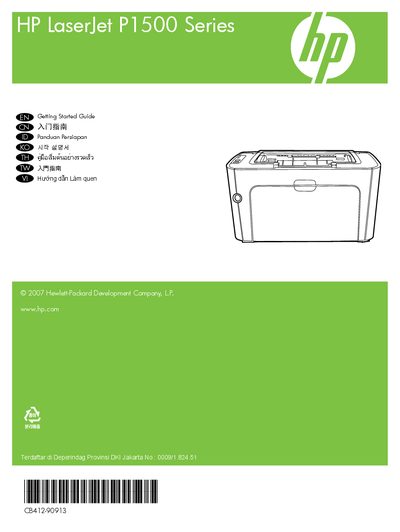
HP LaserJet P1500 Series Getting Started Guide
The guide starts with safety and placement advice, recommending a sturdy, well‑ventilated, dust‑free area for the printer. It then walks you through unpacking, including removal of all orange shipping materials.
Next, it explains that the USB cable should not be connected until the software prompts you, and shows how to power on the printer and install the required software. The electronic User Guide is available on the supplied CD‑ROM or in the HP program folder on your computer, and can also be accessed online at hp.com.
HP P1500 specifications
| Device weight (without toner cartridge) | 4.7 kg (P1000) / 5.4 kg (P1500) |
|---|---|
| Device weight (with toner cartridge) | 5.2 kg (P1000) / 5.9 kg (P1500) |
| Power requirements | 110‑127 V (+/-10%) or 220‑240 V (+/-10%), 50/60 Hz |
| Rated current | 4.9 A (P1000) / 2.9 A (P1500) |
All HP P1500 documents by type
Day-to-day operation, settings and troubleshooting. Start here if the product is already set up.
The shortest path to a working setup, usually only a few pages.
Questions answered in these manuals
When should I connect the USB cable?
Do not connect USB until prompted by the software.
Where can I find the electronic user guide?
The electronic User Guide is on the CD‑ROM that came with the printer or in the HP program folder on your computer, and also online at hp.com.
How do I verify that the printer is installed correctly?
Check the installation status as described in step 1 of the troubleshooting checklist: “裝置的安裝是否正確?”
What power voltage does the printer require?
The printer operates on 110‑127 V or 220‑240 V, 50/60 Hz, depending on the region.