
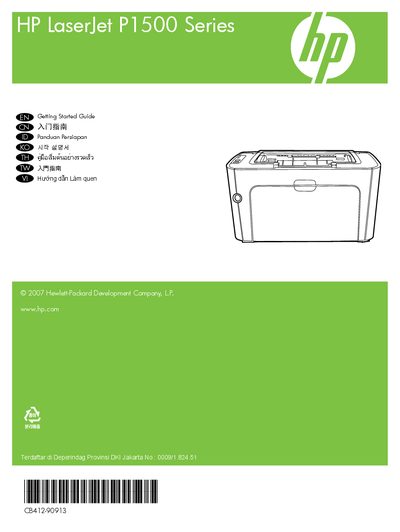
This guide introduces the basic use of the HP LaserJet P1500 Series laser printer.
The guide starts with safety and placement advice, recommending a sturdy, well‑ventilated, dust‑free area for the printer. It then walks you through unpacking, including removal of all orange shipping materials.
Next, it explains that the USB cable should not be connected until the software prompts you, and shows how to power on the printer and install the required software. The electronic User Guide is available on the supplied CD‑ROM or in the HP program folder on your computer, and can also be accessed online at hp.com.
Do not connect USB until prompted by the software.
The electronic User Guide is on the CD‑ROM that came with the printer or in the HP program folder on your computer, and also online at hp.com.