
Key facts
- Brand
- Haier
- Model
- LU32F6
- Category
- Television
- Industry
- Appliances
- Documents
- 3
- Languages
- ZH
- Last added
- 2012-03-22
Start here
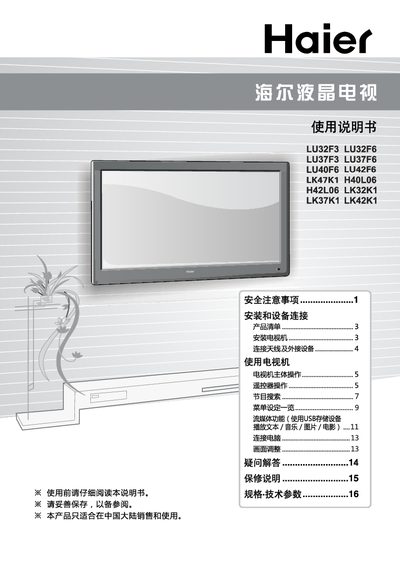
Haier LU32F3/LU32F6/LU37F3/LU37F6/LU40F6/LU42F6/LK47K1/H40L06/H42L06/LK32K1/LK37K1/LK42K1 Manual
This manual provides safety precautions, installation guidance, and operating instructions for Haier LCD televisions. It covers proper handling, connection of antennas and external devices, remote control usage, and maintenance tips.
Technical specifications for each model are listed, including power consumption, dimensions, weight, supported video formats, and environmental requirements. The document also includes warranty and service information. This manual is written in Chinese.
Haier LU32F6 specifications
| Power consumption | 70 W |
|---|---|
| Dimensions (with stand) | 790 mm × 230 mm × 580 mm |
| Dimensions (without stand) | 790 mm × 95 mm × 520 mm |
| Power supply | 220 V ~ 50 Hz |
All Haier LU32F6 documents by type
Day-to-day operation, settings and troubleshooting. Start here if the product is already set up.
Questions answered in these manuals
How do I connect an HDMI source to the TV?
Connect the HDMI output of your device to the HDMI input terminal on the TV.
What is the warranty period for this television?
The TV is covered by a one‑year warranty (including the remote), with the power adapter, power board and display covered for three years.
What power source should be used for the TV?
The TV should be connected to a 220 V 50 Hz AC power supply.
From: Haier LU32F3/LU32F6/LU37F3/LU37F6/LU40F6/LU42F6/LK47K1/H40L06/H42L06/LK32K1/LK37K1/LK42K1 Manual
How much power does the LU32F3 model consume?
The LU32F3 model consumes 60 W of power.
From: Haier LU32F3/LU32F6/LU37F3/LU37F6/LU40F6/LU42F6/LK47K1/H40L06/H42L06/LK32K1/LK37K1/LK42K1 Manual
Can I use the TV with a power supply other than 220 V 50 Hz?
No. The manual warns not to use any voltage or frequency other than 220 V 50 Hz.
What type of cloth should I use to clean the screen?
Use a soft cloth; do not use hard objects or abrasive materials on the LCD panel.