
EIKI LC-XG300/LC-XG250 LC-XG300L/LC-XG250L Multimedia Projector Quick Reference Guide

This is a quick reference guide for the LC-XG300/LC-XG250 LC-XG300L*/LC-XG250L* projector, which introduces information about installation, setup, and operation of the projector.
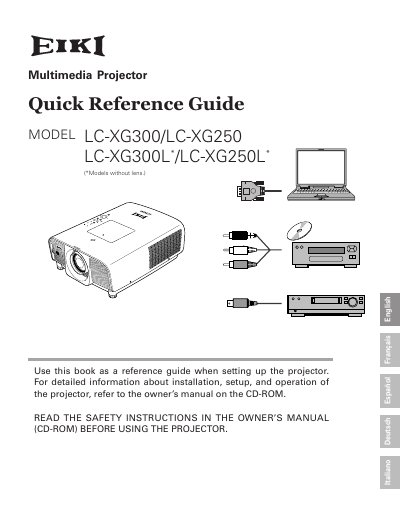

EIKI LC-XG300/LC-XG250 LC-XG300L/LC-XG250L Multimedia Projector Quick Reference Guide - cover page
Brand
EIKI
Category
Projector
Document type
User Manual
Language
English
Pages
22
File format
PDF
File size
994 KB
Published
12 July, 2012
Updated
30 September, 2023
MD5 checksum
9B5092C6AB2F92998AAC230A18E8DA0B

About this manual

This document serves as a quick reference guide for the EIKI LC-XG300, LC-XG250, LC-XG300L, and LC-XG250L multimedia projectors. It is intended to be used as a reference when setting up the projector and directs users to the owner's manual on the CD-ROM for detailed installation and operation instructions. The guide emphasizes reading safety instructions before use to prevent electric shock, fire hazards, and eye damage from the intense projection light.

What's inside

  • Safety Precautions
  • Air Circulation
  • Filter Warning
  • Top Control
  • Installing the Projector
  • Positioning Precautions
  • Moving the Projector
  • Handling the Projector

Frequently asked questions

What is the minimum space required on the top, sides, and rear of the projector cabinet?

The minimum space required is 0.7 feet (20 cm) on the top, 1.5 feet (50 cm) on the sides, and 3 feet (1 m) on the rear.

How many degrees can the projector be tilted from side to side without reducing lamp life?

The projector should not be tilted more than 10 degrees from side to side.

What happens if the projector detects that the filter is clogged?

A red "Filter warning" icon will appear on the screen and the "WARNING FILTER" indicator on the top panel will blink.

Download PDF (994 KB)

More EIKI Manuals


View all EIKI manuals →