
This manual describes how to use the EIP-200/EIP-2500 projector.
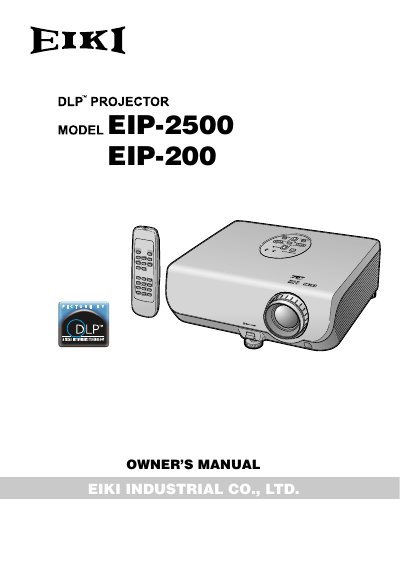
This Owner's Manual covers the EIKI EIP-2500 and EIP-200 projectors, detailing their features, safety precautions, and basic operations. It includes instructions for turning the unit on and off, adjusting the projected image, and connecting various input sources such as computers and video equipment. The guide also explains how to use the remote control and navigate the on-screen menu system for picture and sound adjustments.
| Pixel Count (EIP-2500) | 786,432 pixels |
|---|---|
| Pixel Count (EIP-200) | 480,000 pixels |
| Cooling Fan Standby Time | about 90 seconds |
A BSI or ASTA approved BS 1362 fuse marked or of the same rating as indicated on the pin face of the plug, which is 10A.
Always use the STANDBY button on the projector or remote control to ensure the cooling fan stops before disconnecting the power cord.
The CD-ROM contains operation instructions in English, German, French, Spanish, Italian, and Portuguese.