
Key facts
Start here
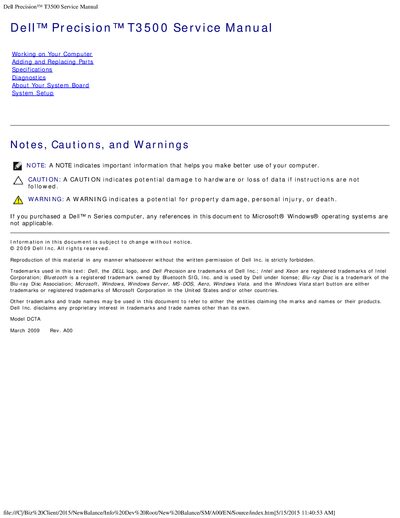
Dell Precision T3500 Service Manual
This service manual provides detailed instructions for safely working inside the Dell Precision T3500 workstation. It includes safety guidelines, recommended tools, and step‑by‑step procedures for removing and replacing components such as the hard drive tray, memory modules, and power supply.
The document also contains full specifications of the system, including processor options, memory capacities, power requirements, physical dimensions, and environmental limits, as well as diagnostic procedures and LED/beep code explanations.
Dell T3500 specifications
| Processor types | Intel Xeon Processor 3500 series |
|---|---|
| System chipset | Intel X58+ ICH10 |
| Memory type | DDR3 1066 MHz & 1333 MHz (ECC and Non‑ECC) |
| Maximum memory | 24 GB |
| Power supply wattage | 525 W |
| Physical dimensions (H × W × D) | 44.8 cm × 17.2 cm × 46.8 cm |
| Weight | 17.3 kg |
| Operating temperature range | 10 °C to 35 °C (50 °F to 95 °F) |
| Storage temperature range | -40 °C to 65 °C (-40 °F to 149 °F) |
All Dell T3500 documents by type
Disassembly, diagnostics and part numbers, for repair.
Questions answered in these manuals
How do I remove the hard drive tray?
First remove the computer cover, then push the blue release tab toward the bottom, lift the tray upward on its hinges, and finally remove the three securing screws.
How can I start Dell Diagnostics on the T3500?
Power on the computer, and when the Dell logo appears, press F12 immediately to access the boot device list, then select the Diagnostics utility.
How do you access the system setup program?
Press <F2> to access the system setup program and modify user-definable settings.
How long does the Express Test take?
The Express Test generally takes between 10 and 20 minutes.
What processor options are available for the Dell Precision T3500?
It offers a choice of dual- or quad-core Intel Xeon processors, including the X5500 Series.
How much system memory can the T3500 support?
Up to 24 GB using DDR3 ECC DIMMs.