
Key facts
Start here
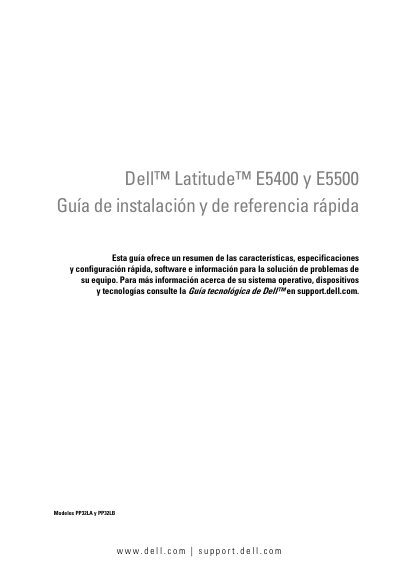
Dell Latitude E5400 and E5500 Notebook Quick Start Guide
This Spanish Quick Start Guide covers the Dell Latitude E5400 and E5500 notebooks (models PP32LA and PP32LB). It summarizes features, specifications, quick setup, software, and troubleshooting information for the equipment.
The guide includes front and rear views, battery removal, wireless switch use, Internet connection setup, Windows XP and Windows Vista information, driver and software reinstallation, Dell Diagnostics, and how to contact Dell for support. This manual is written in Spanish.
Dell Latitude E5400 specifications
| Processor Type | Intel Core 2 Duo Processor or Intel Celeron Processor (Socket P) |
|---|---|
| System Chipset | Mobile Intel GE45 Express Chipset |
| Memory Type | DDR II 667 MHz and 800 MHz SDRAM |
| Maximum Memory | 4 GB |
| Network Adapter | 10/100/1000 Ethernet LAN |
| Video Memory | Shared video memory up to 256 MB |
Source: Dell Latitude E5400 and E5500 Setup and Quick Reference Guide
All Dell Latitude E5400 documents by type
Day-to-day operation, settings and troubleshooting. Start here if the product is already set up.
Disassembly, diagnostics and part numbers, for repair.
- Dell Latitude E5400 Notebook Service Manual 41 p
- Dell Latitude E5400 and E5500 Service Manual 73 p
- Dell Latitude E5400 and E5500 Service Manual 74 p
- Dell Latitude E5400 Standalone Service Manual 41 p
- Dell Latitude E5400 Notebook Manual de servicio 41 p
- Dell Latitude E5400 and E5500 Service Manual 74 p
- Dell Latitude E5400 and E5500 Service Manual 73 p
The shortest path to a working setup, usually only a few pages.
Questions answered in these manuals
What are the supported memory capacities for this computer?
The supported memory module capacities are 512 MB, 1 GB, 2 GB, 3 GB, or 4 GB.
From: Dell Latitude E5400 and E5500 Setup and Quick Reference Guide
How do I use the wireless switch?
Use the wireless switch to locate a network or enable/disable wireless network devices.
From: Dell Latitude E5400 and E5500 Setup and Quick Reference Guide
How do you open the system setup program?
Press F2 to open the system setup program.
How do you open the one-time boot menu?
Press F12 when the Dell logo appears.
What models does this guide cover?
This guide covers models PP32LA and PP32LB.
From: Dell Latitude E5400 and E5500 Quick Start and Reference Guide
How many USB connectors are on the front of the computer?
There are two USB connectors on the front.
From: Dell Latitude E5400 and E5500 Quick Start and Reference Guide