
The Dell™ Latitude™ E5400 and E5500 Service Manual provides detailed information on the Dell™ Latitude™ E5400 and E5500 notebook computers.
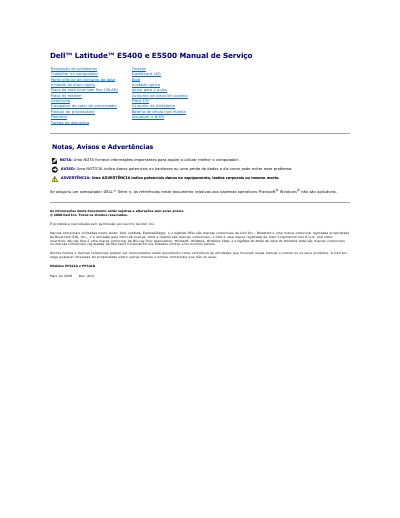
This service manual covers removal and installation procedures for components in the Dell Latitude E5400 and E5500 computers. It includes safety guidance, recommended tools, and steps to follow before and after working on the computer.
The manual describes base assembly removal and reinstallation for both models, including five integrated screws on the E5400 and one M2.5 x 8 mm screw on the E5500. This manual is written in Portuguese.
| E5400 base assembly fasteners | 5 integrated screws |
|---|---|
| E5500 base assembly fastener | 1 M2.5 x 8 mm screw |
The E5400 base assembly is secured by five integrated screws.
The E5500 base assembly is secured by one M2.5 x 8 mm screw.
Shut down the computer before working on it.
Turn on the computer after completing the work.