
The Dell™ Latitude™ E5400 and E5500 Service Manual provides detailed information on the Dell™ Latitude™ E5400 and E5500 notebook computers.
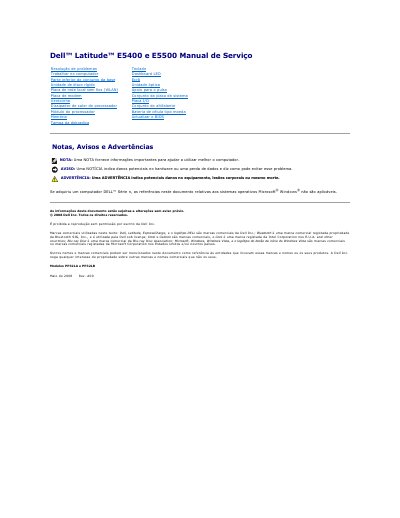
This Dell service manual covers the Latitude E5400 and E5500 notebook computers, models PP32LA and PP32LB. It provides removal and installation procedures for components such as the base cover, keyboard, memory, hard drive, optical drive, and system board.
The document includes safety guidelines, recommended tools, and step-by-step instructions for working inside the computer. It was published in May 2008 as revision A00. This manual is written in Portuguese.
A small screwdriver, a Phillips screwdriver, a small plastic lever, and a BIOS update from the Dell support website.
Five integrated screws secure the E5400 base cover.
The E5500 base cover is secured by one M2,5 x 8 mm screw.
Only a qualified and specialized technician should perform repairs.