
This guide describes how to set up and use a Lenovo computer.
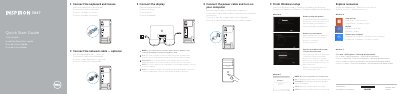
This Dell Quick Start Guide provides basic setup instructions for the Inspiron 3847 desktop computer. It explains how to connect the keyboard and mouse, network cable, power cable, and display, then finish Windows setup and enable security and updates.
The guide also covers Windows 8 account sign-in, network connection, and using Dell Help Documentation. It includes a note about connecting displays to discrete graphics cards and avoiding the @ symbol in passwords, plus regulatory information for the Inspiron 3847.
| Regulatory model | D16M D16M001 |
|---|---|
| Input current | 9,0 A/4,5 A |
| Country of origin | Hecho en China |
No, the @ symbol should not be used in the password.
Click Start, then All Programs, then Dell Help Documentation.
Connect the display to the discrete graphics card connector.