
Key facts
Start here
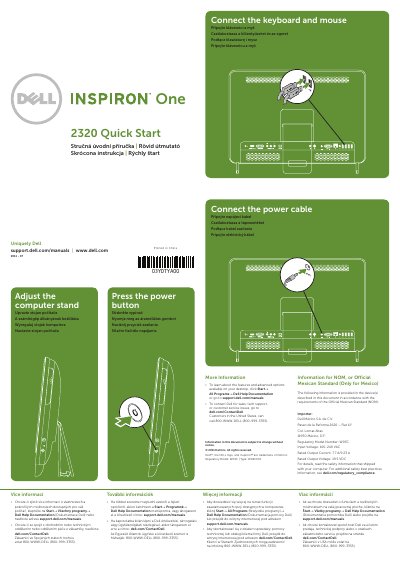
Dell Inspiron W03C 2-in-1 Laptop Quick Start Guide
This document serves as a quick start guide for the Dell Inspiron W03C laptop, providing instructions on connecting peripherals and powering on the device. It includes regulatory information specific to Mexico, such as input voltage and output current ratings.
The guide details the physical features of the laptop, listing 30 components including buttons for brightness and volume, various connectors (HDMI, VGA, USB), and optional ports like IR emitters and TV inputs. It also identifies the optical drive, camera, and security cable slot.
Dell W03C specifications
| Input Voltage | 100-240 VAC |
|---|---|
| Rated Output Current | 7.7 A/9.23 A |
| Rated Output Voltage | 19.5 VDC |
All Dell W03C documents by type
The shortest path to a working setup, usually only a few pages.
Questions answered in these manuals
What is the regulatory model number for this device?
The regulatory model number is W03C.
Where can I find more information about features and advanced options?
You can click Start→ All Programs→ Dell Help Documentation or visit support.dell.com/manuals.
What are the input voltage and rated output current ratings for the Dell Inspiron W03C?
The device accepts an input voltage of 100-240 VAC and has a rated output current of 7.7 A/9.23 A.
What is the rated output voltage for the Dell Inspiron W03C power adapter?
The rated output voltage for the adapter is 19.5 VDC.