
Key facts
Start here
Dell 0MW452A00 Computer Quick Start Guide
Quick Start Guide 2 pages · 3.8 MB · EN
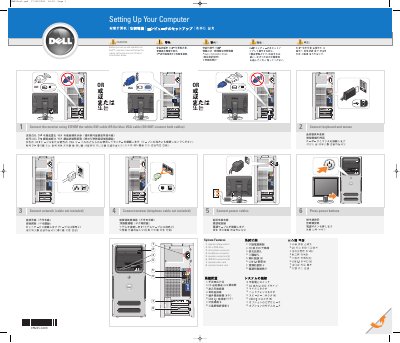
This guide provides the initial setup steps for the Dell 0MW452A00 computer. It instructs users to connect the keyboard, mouse, network, modem, and power cables before pressing the power button. It also details how to connect the monitor using either a DVI or VGA cable, but not both simultaneously.
Read onlineAll Dell 0MW452A00 documents by type
User Manual 1
Day-to-day operation, settings and troubleshooting. Start here if the product is already set up.
Quick Start Guide 1
The shortest path to a working setup, usually only a few pages.
Questions answered in these manuals
What cables should I use to connect the monitor?
You must connect the monitor using either the white DVI cable or the blue VGA cable, but you should not connect both cables.
What safety step must be taken before setting up the computer?
Before setting up and operating the computer, you must read and follow the safety instructions in the Product Information Guide.