
Key facts
Start here
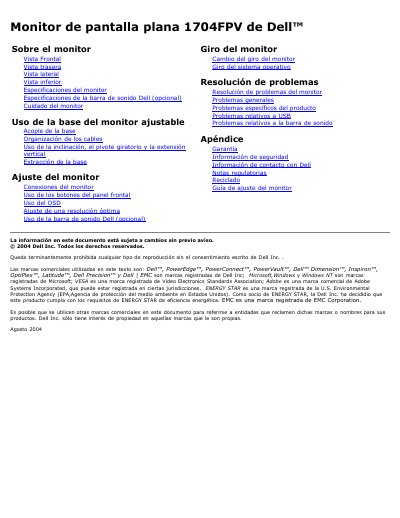
Dell 1704FPV Flat Panel Monitor User's Guide
This document is the user's guide for the Dell 1704FPV flat panel monitor. It provides instructions on using the monitor's features, including the adjustable stand, OSD menu, and various input connections like VGA and DVI. The guide also details the specifications for the monitor and the optional Dell sound bar. This manual is written in Spanish.
Read onlineDell 1704FPV specifications
| Screen size | 17 inches |
|---|---|
| Native resolution | 1280 x 1024 |
| Brightness | 280 cd/m² |
| Contrast ratio | 1000:1 |
| Response time | 25 ms |
| Viewing angle | 178° |
| Input voltage | 100‑240 VAC |
| Weight (monitor only) | 6.12 kg |
| Width | 376 mm |
All Dell 1704FPV documents by type
Day-to-day operation, settings and troubleshooting. Start here if the product is already set up.
Questions answered in these manuals
How do I adjust the tilt and rotation of the Dell 1704FPV monitor?
Use the adjustable stand and lock/unlock button; the monitor can be tilted and rotated up to 5.12 inches (130 mm).
What USB ports are available on the monitor?
The monitor has one upstream USB port on the back and four downstream ports (two on the back and two on the left side).
What is the optimal resolution for this monitor?
The optimal preconfigured resolution is 1280 x 1024 at 60 Hz.
Does this monitor support USB devices?
Yes, it supports USB 2.0 high-speed interface with pass-through and downstream ports.