
The Dell 1704FPV flat panel monitor user manual provides setup, connection, adjustment, safety, and specifications.
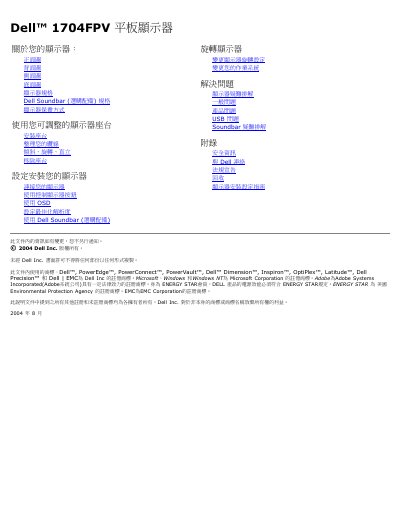
This manual explains how to install, connect, and adjust the Dell 1704FPV flat panel monitor. It includes instructions for mounting the stand, managing cables, using the OSD menu, and troubleshooting common issues.
The document also lists detailed technical specifications, safety guidelines, power‑saving features, USB interface information, and regulatory certifications for the monitor. This manual is written in Chinese.
| Screen size | 17 inches |
|---|---|
| Native resolution | 1280 x 1024 |
| Brightness | 280 cd/m² |
| Contrast ratio | 1000:1 |
| Response time | 25 ms |
| Viewing angle | 178° |
| Input voltage | 100‑240 VAC |
| Weight (monitor only) | 6.12 kg |
| Width | 376 mm |
Use the adjustable stand and lock/unlock button; the monitor can be tilted and rotated up to 5.12 inches (130 mm).
The monitor has one upstream USB port on the back and four downstream ports (two on the back and two on the left side).