
This Zarlink application note describes a 12-channel GPS receiver engine using the GP2015 RF front-end and GP2000 chipset, with the GPS Orion reference design.
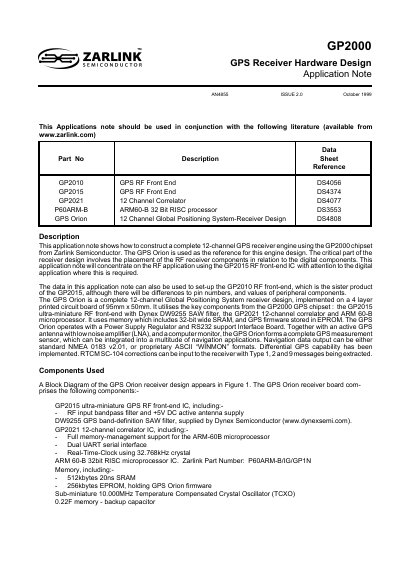
This Zarlink application note (AN4855, Issue 2.0, October 1999) shows how to construct a complete 12-channel GPS receiver engine using the GP2000 chipset. The GPS Orion reference design is used, with emphasis on placing RF receiver components relative to digital components and on the GP2015 RF front-end IC.
The GPS Orion is implemented on a 4-layer, 95mm x 50mm printed circuit board and combines the GP2015 ultra-miniature RF front-end, the GP2021 12-channel correlator, and the ARM 60-B microprocessor. It supports NMEA 0183 v2.01 and proprietary ASCII WINMON output, and includes differential GPS capability using RTCM SC-104 corrections.
| GP2015 package | 48-pin TQFP, 7mm x 7mm x 1.4mm |
|---|---|
| GPS Orion PCB size | 4-layer, 95mm x 50mm |
| Power supply | +5.0V ±10% |
| GP2021 package | 80-pin QFP, 14mm x 14mm x 2mm |
| P60ARM-B power consumption | 180mW @ 20MHz |
| SRAM memory | 512kbytes 20ns |
The GPS Orion uses the GP2015 ultra-miniature RF front-end device from Zarlink Semiconductor.
Output can be standard NMEA 0183 v2.01 or proprietary ASCII WINMON formats.
It uses a 10.000MHz reference signal from a TCXO.