
Spanish user manual for Xerox SP 320SN, SP 377SNwX, SP 320SFN, and SP 377SFNwX multifunction machines covering operation, maintenance, and network setup.
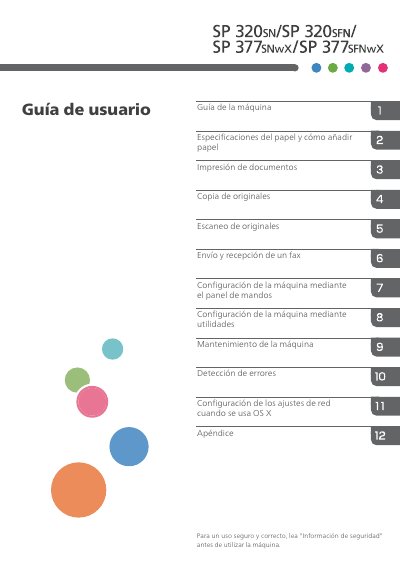
This document is the Spanish user guide for Xerox multifunction machines, specifically models SP 320SN, SP 377SNwX, SP 320SFN, and SP 377SFNwX. It provides comprehensive instructions on safe operation, including safety information and symbols used in the manual. The guide details how to use the control panels for different models, manage paper specifications, and perform basic tasks such as printing, copying, scanning, and sending/receiving faxes. This manual is written in Spanish.
| Document Type | Multifunction Machine |
|---|---|
| Supported Models | SP 320SN, SP 377SNwX, SP 320SFN, SP 377SFNwX |
Read the 'Safety Information' section before using the machine for safe and correct use.
Network settings can be configured when using OS XD, via utilities, or through the control panel.
The manual covers paper specifications, how to add paper, and how to specify paper type and size.