
This document provides installation instructions for Phaser 6130 printer under Windows Vista system, including system requirements, installation steps and precautions.
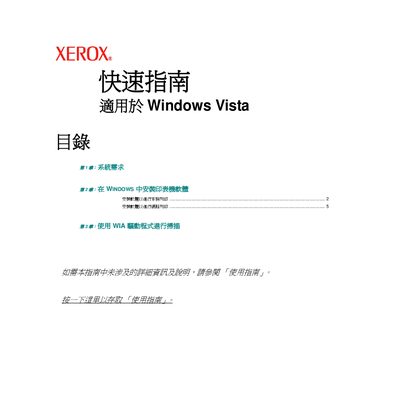
The Quick Start Guide explains the minimum hardware and software requirements for installing Xerox printer drivers on a Windows Vista system, including CPU, memory, hard‑disk space and graphics capabilities. It also describes how to use the WIA driver for scanning functions.
The document walks the user through typical and custom installation methods, from inserting the supplied CD to configuring network (TCP/IP) settings, selecting the printer from the list, and printing a test page. It includes troubleshooting tips for missing hardware or network detection issues. This manual is written in Chinese.
| CPU | 1 GHz (x86) or 64‑bit |
|---|---|
| Memory (RAM) | 512 MB (minimum) or 1 GB recommended |
| Graphics memory | 32 MB |