
Xerox Phaser 6121MFP Multifunction Printer Quick Use Guide

Quick use guide for the Xerox Phaser 6121MFP multifunction printer, covering printer parts, printing, copying, scanning, faxing, and troubleshooting.
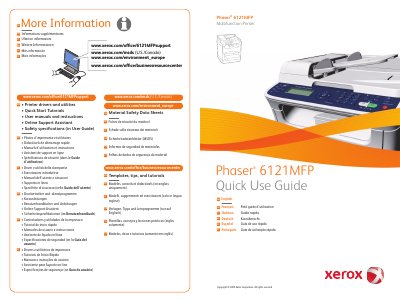

Xerox Phaser 6121MFP Multifunction Printer Quick Use Guide - cover page
Brand
Xerox
Category
All-in-one printer
Document type
Quick Start Guide
Language
English
Pages
16
File format
PDF
File size
2.4 MB
Published
17 November, 2026
Updated
17 November, 2026
MD5 checksum
2B8C37DDD93022ADEB4A4EE1962EFC65

About this manual

Quick Use Guide for the Xerox Phaser 6121MFP multifunction printer, with text in English, French, Italian, German, Spanish, and Portuguese. It includes support and resource links for drivers, tutorials, user manuals, safety data sheets, and environmental information.

The contents cover a printer tour, printing, copying, scanning, faxing, and troubleshooting, along with options, control panel controls, and replacing toner cartridges.

What's inside

  • Printer Basics
  • Printer Tour
  • Printing
  • Copying
  • Scanning
  • Faxing
  • Troubleshooting
  • Options
  • Control Panel
  • Replace Toner Cartridges

Frequently asked questions

How do I print a menu map?

Press the Menu button, then press OK.

What does the color job control do?

It starts a color job.

What does the black and white job control do?

It starts a black and white job.

Download PDF (2.4 MB)

More Xerox Manuals


View all Xerox manuals →