
Key facts
- Brand
- Xerox
- Model
- Phaser 6121MFP
- Category
- All-in-one printer
- Industry
- Computers
- Documents
- 2
- Languages
- EN
- Last added
- 2026-11-17
Start here
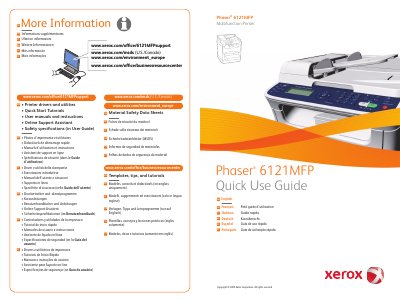
Xerox Phaser 6121MFP Multifunction Printer Quick Use Guide
Quick Use Guide for the Xerox Phaser 6121MFP multifunction printer, with text in English, French, Italian, German, Spanish, and Portuguese. It includes support and resource links for drivers, tutorials, user manuals, safety data sheets, and environmental information.
The contents cover a printer tour, printing, copying, scanning, faxing, and troubleshooting, along with options, control panel controls, and replacing toner cartridges.
All Xerox Phaser 6121MFP documents by type
The shortest path to a working setup, usually only a few pages.
Day-to-day operation, settings and troubleshooting. Start here if the product is already set up.
Questions answered in these manuals
How do I print a menu map?
Press the Menu button, then press OK.
From: Xerox Phaser 6121MFP Multifunction Printer Quick Use Guide
What does the color job control do?
It starts a color job.
From: Xerox Phaser 6121MFP Multifunction Printer Quick Use Guide
What is the Phaser 6121MFP?
The Phaser 6121MFP is a multifunction printer.
What languages are supported in this guide?
The guide is available in English, French, Italian, German, Spanish, Portuguese, Dutch, Swedish, Danish, Czech, Polish, Hungarian, Russian, Turkish, and Greek.