
The VMP02 portable micro printer user manual provides safety guidelines, specifications, setup, and operation instructions.
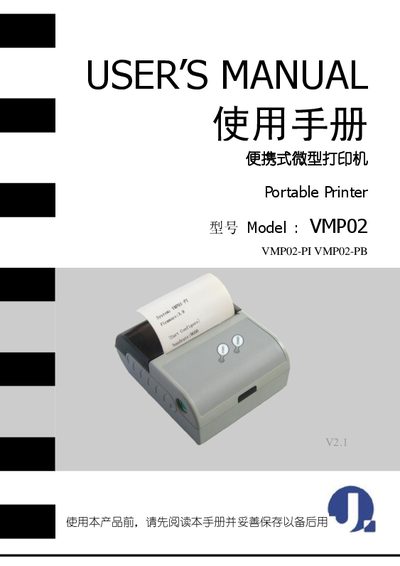
This manual covers safety precautions, battery handling, and environmental limits for the VMP02 portable micro printer. It details the printer's physical dimensions, performance specs, and supported interfaces such as RS232, infrared, and Bluetooth.
The guide explains step‑by‑step procedures for installing the battery and paper roll, configuring settings via the VMP02_CONFIG software, and connecting via serial, infrared, or Bluetooth. Indicator lights and beep signals are described to help users monitor power, paper status, and errors. This manual is written in Chinese.
| Printing width | 48 mm |
|---|---|
| Resolution | 8 dots/mm (203 dpi) |
| Maximum printing speed | 50 mm/s |
| Paper width | 58 mm |
| Paper thickness | 60–100 µm |
| Dimensions | 90 × 76 × 36 mm |
| Weight (without paper roll) | 220 g |
| Battery capacity | 650 mAh rechargeable Ni‑MH |
| Operating temperature range | -10 °C to 50 °C |
| Storage temperature range | -20 °C to 70 °C |
Fast charging takes about 1.5 to 2 hours to reach full capacity.
The printer supports RS232 serial, raw infrared (RAW‑IR), IrDA (IrCOMM), VIR, and Bluetooth (for the PB model).
The printer operates between -10 °C and 50 °C and 20 %–85 % relative humidity; it can be stored from -20 °C to 70 °C and 5 %–95 % humidity.