
User manual for Brother MF4570dn, MF4550d, MF4452, MF4450, and MF4420n multifunction printers covering setup, operation, and maintenance.
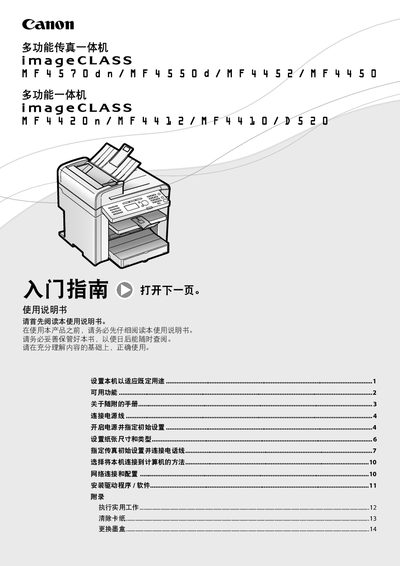
This manual explains how to set up the Brother MF series multifunction printers for copying, printing, scanning, and faxing. It guides you through connecting the power cable, configuring initial settings such as paper size and type, and selecting the preferred connection method (USB or network). Detailed instructions are provided for installing drivers, configuring network settings, and using the remote user interface where applicable.
Safety and maintenance information is also included. The document warns about high temperatures around the fuser unit, proper handling of paper jams, and safe replacement of ink cartridges. Installation requirements such as ambient temperature (10‑30 °C), humidity (20‑80 % RH), and power specifications (220‑240 V, 50/60 Hz) are listed, along with guidelines for ventilation and placement to ensure reliable operation. This manual is written in Chinese.
| Maximum Power Consumption | 1,220 W |
|---|---|
| Power Supply | 220‑240 V, 50/60 Hz |
| Operating Temperature Range | 10 °C – 30 °C |
| Relative Humidity Range | 20 % – 80 % RH |
Network functions are only available on the MF4570dn and MF4420n models.