
The HP LaserJet Managed MFP E731dn datasheet details print, copy, scan, optional fax, specifications, accessories, and security features.
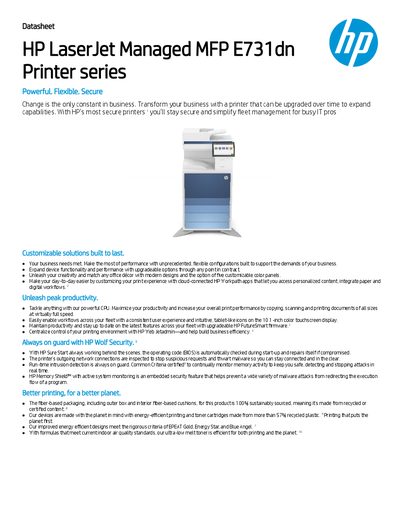
The HP LaserJet Managed MFP E731dn is a multifunction printer designed for high‑volume office environments. It offers customizable configurations, a 10.1‑inch color touchscreen, and HP Wolf Security with self‑healing BIOS and intrusion detection.
The datasheet lists print speeds up to 40 ppm, scan speeds up to 90 ppm/180 ipm, a quad‑core 1.6 GHz processor, 6 GB of memory, and a duty cycle of up to 110 000 pages per month. It also outlines paper handling capacities, optional accessories, and connectivity options such as Gigabit Ethernet and USB 3.0.
| Print speed (Letter Black) | Up to 30 ppm |
|---|---|
| Scan speed (normal) | Up to 90 ppm/180 ipm |
| First page out (Letter Black) | As fast as 8.9 sec |
| Print resolution (best) | Up to 1200 × 1200 dpi |
| Processor | Quad Core 1.6 GHz |
| Memory | 6 GB |
| Power consumption (30 ppm) | 560 W |
| Monthly duty cycle (Letter) | Up to 110 000 pages |
It prints up to 30 ppm for Letter Black, up to 35 ppm with the 8EP58AAE speed license, and up to 40 ppm with the 8EP59AAE license.
It provides a built‑in Gigabit Ethernet port, a SuperSpeed USB 3.0 host port, a SuperSpeed USB 3.0 device port, and a Hi‑Speed USB 2.0 host port.