
The HP Officejet 6500A E710 User Guide provides setup, operation, maintenance, and troubleshooting instructions for the e‑All‑in‑One printer.
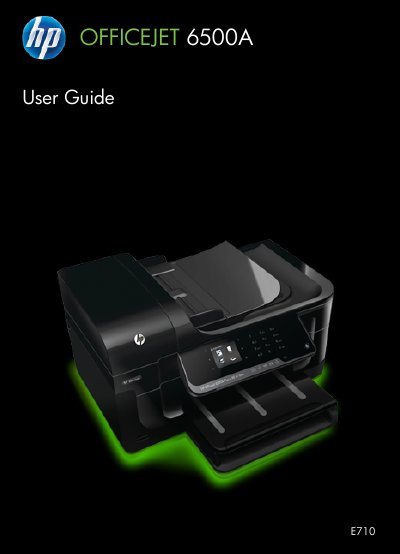
This guide covers the HP Officejet 6500A (E710) e‑All‑in‑One printer, detailing how to install, configure, and use its printing, scanning, copying, and faxing functions. It includes safety information, hardware installation tips, and instructions for loading media and ink cartridges.
Additional sections address network setup, software installation, troubleshooting common issues, and technical specifications such as dimensions, weight, connectivity, and duty cycle. The guide is organized with a table of contents for quick reference to each functional area.
| Physical dimensions (W x D x H) | 476.1 x 409.3 x 258.3 mm |
|---|---|
| Printer weight | 7.9 kg |
| Connectivity | USB 2.0, Ethernet, Wireless 802.11n |
| Network options | Wired (Ethernet) network, Wireless 802.11n |
| Ink cartridges | Four cartridges (black, yellow, magenta, cyan) |
| Duty cycle | Up to 7,000 pages per month |
| Printer language | HP PCL 3 |
Follow the instructions: lift the output tray, slide the paper width guide out, insert the media print‑side down, adjust the guides, and lower the tray.
Open the ink cartridge access area and replace the four cartridges (black, yellow, magenta, cyan) with new ones.
Open the printer, locate the jammed paper, gently pull it out, and close the printer before resuming operation.
The printer is rated for up to 7,000 pages per month.