
Quick installation guide for the VIVOTEK SD9384-EHL network camera covering package contents, hardware installation, and pre-installation warnings.
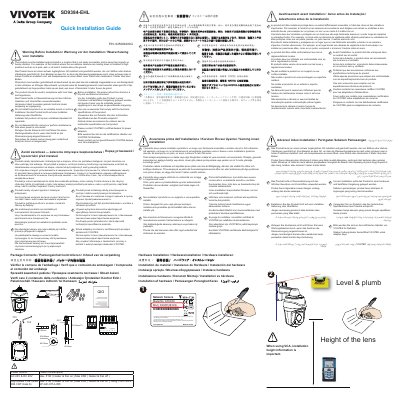
This document is the quick installation guide for the VIVOTEK SD9384-EHL network camera. It covers checking the package contents, hardware installation, and warnings to review before installation.
Installation guidance covers selecting a location that is not easily accessible and away from impacts or heavy vibration, storing the product in a dry and ventilated environment before installation, complying with local laws, using only compatible accessories, and avoiding unstable mounts or surfaces. This manual is written in Chinese.
| Model No. | SD9384-EHL |
|---|---|
| MAC | 0002D1083236 |
| Part Number | 625066200G |
| Minimum installation height | At least 3 meters above the ground |
| Country of manufacture | Taiwan |
Install it in a location that is not easily accessible and is away from impacts or heavy vibration, such as on a pole, wall, or at least 3 meters above the ground.
Before installation, the product should be stored in a dry and ventilated environment.
Use only accessories that comply with the technical specifications of the product.
No. Do not disassemble the camera or perform maintenance work when power is connected.