
SD8362E is a network camera with 20x zoom, 2MP resolution, and support for Full HD and WDR Pro. This manual provides installation and configuration guides for both hardware and software.
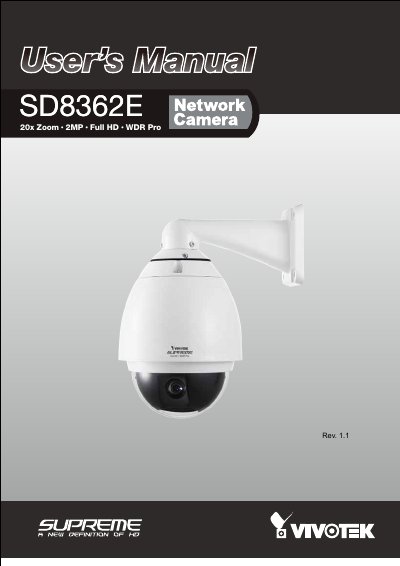
The VIVOTEK SD8362E is a high-performance day/night speed dome network camera designed for professional outdoor surveillance applications. It features an IP66-rated housing, a 20x optical zoom lens, and WDR Pro technology to handle challenging lighting conditions. The camera supports resolutions up to 60fps @ 720p and 30fps @ 1080p with H.264/MPEG-4/MJPEG compression.
| Optical Zoom | 20x |
|---|---|
| Resolution | 2MP |
| Video Format | Full HD |
| Protection Rating | IP66 |
| Pan/Tilt Range | 360-degree pan and 90-degree tilt |
| Storage | SD/SDHC card slot |
| Power | 802.3at compliant PoE Plus |
The camera offers video quality with resolution up to 60fps @ 720p and 30fps @ 1080p.
Press and hold the recessed reset button for a while to restore all settings to factory default.
The camera supports 802.3at compliant PoE Plus power or an external power adapter.