
This document is the user manual for VIVOTEK brand's 2MP 60fps • SNV II • WDR Pro II • Remote Focus • Smart Stream III • 50M IR Smart IR II Fixed Dome Network Camera FD9165-HT FD9365-HTV/EHTV. The manual provides detailed information on hardware and software installation, network deployment, usage instructions, and configuration and settings for the product.
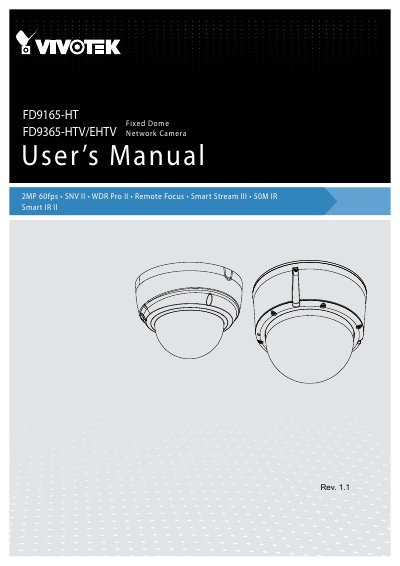
The document serves as a comprehensive user guide for the VIVOTEK FD9165-HT and FD9365-HTV/EHTV series of fixed dome network cameras. It covers hardware installation, software setup, network deployment, and detailed configuration options including Smart Motion Detection, WDR Pro II, and Smart Stream III technologies.
| Maximum Resolution | 1920x1080 |
|---|---|
| Frame Rate | 60 fps @ 1920X1080 |
| IR Illuminator Range | 50 meters |
| Operating Temperature (Working) | -10°C ~ 50°C |
| Power Consumption (PoE) | Max. 10.7 W |
The built-in IR illuminators are effective up to 50 meters when using Smart IR II technology.
The camera supports H.265, H.264, and MJPEG video compression.
Yes, the FD9165-HT includes a built-in PIR sensor and microphone for event detection.