
This document is the user manual for VIVOTEK ND8321 Network Video Recorder, which introduces the steps of hardware installation and initial configuration, as well as the usage and configuration of the local console interface.
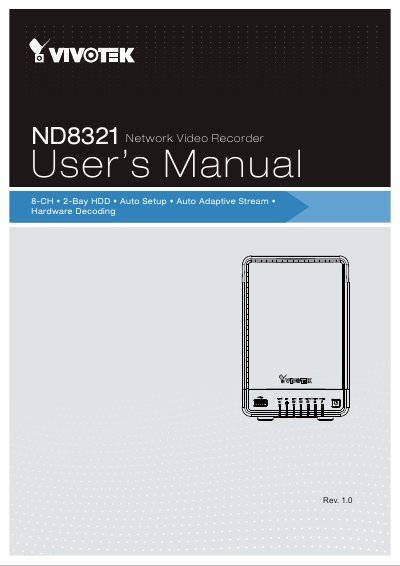
The VIVOTEK ND8321 is a compact Linux embedded 8-CH standalone desktop NVR designed for small-scale video surveillance installations. It features ease of installation with plug & play and auto setup functionality, supporting Full HD HDMI local video output to eliminate the need for a separate PC. The device supports software dewarp of VIVOTEK fisheye cameras and integrates with VIVOTEK VAST CMS and ST7501 VMS.
| Channels | 8-CH |
|---|---|
| HDD Bays | 2-Bay |
| Max HDD Capacity | 8TB |
| Network Port | 1 x Gigabit RJ45 Ethernet port |
| USB Ports | 2 x USB Port |
| Dimensions | 121 mm (W) x 178.5 mm (D) x 185.9 mm (H) |
| Video Codec | H.264 / MJPEG |
| Power Input | 100-240V~ 1.6A, 60-50Hz |
The device supports a maximum capacity of 8TB using its two HDD bays.
No, it supports Full HD HDMI local video output, eliminating the need for a separate PC.
Yes, it supports software dewarp of VIVOTEK fisheye cameras.