
This manual introduces the use of VIVOTEK network cameras, including hardware installation, network deployment, software installation, using web browsers and RTSP players to access network cameras.
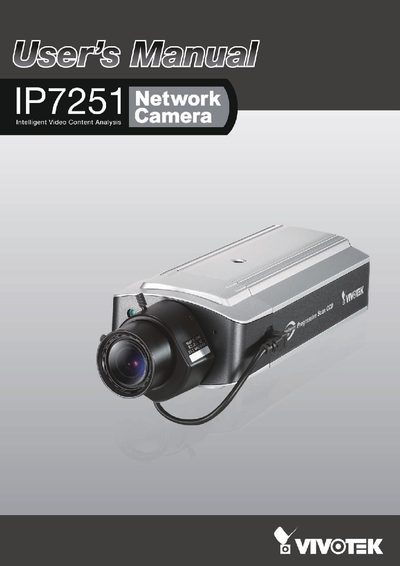
This user manual covers all aspects of the Vivotek IP7251 network camera, including hardware installation, network deployment, software setup, and detailed configuration options. It also describes the camera's video content analysis features such as tampering, moving object, and loitering detection.
The document includes step‑by‑step procedures for mounting the camera, connecting power (12 V DC, 24 V AC, or PoE), configuring network settings, using web browsers or RTSP players, and maintaining the device. Technical specifications and compliance information are provided in the final sections.
| Network Interface | 10/100 Mbps Ethernet, RJ‑45 |
|---|---|
| Power Options | 12 V DC, 24 V AC, PoE (802.3af) |
| Power over Ethernet | 802.3af compliant |
| Maximum Power Consumption | 7.5 W |
| Dimensions (incl. lens) | 205.5 mm × 82.1 mm × 51.2 mm |
| Image Sensor | Sony 1/4" progressive‑scan CCD |
| Operating Temperature | 0 °C ~ 50 °C |
| Operating Humidity | 20 % ~ 80 % RH |
| Live View Clients | Up to 10 simultaneous clients |
Press and hold the indented reset button with a needle for over five seconds; the status LED will blink red.
The camera can be powered by 12 V DC, 24 V AC, or via Power over Ethernet (802.3af).
The camera supports live viewing for up to ten clients simultaneously.
It operates between 0 °C and 50 °C.