
This document is the user manual for VIVOTEK ST3402, which introduces the installation and usage of the product. It includes system hardware requirements, software installation, startup, Launcher function, Monitor tool, Scheduling tool, etc. This document provides information about the features and functionalities of the product.
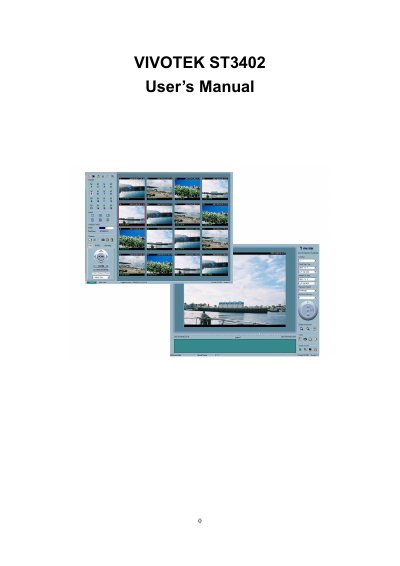
This document serves as the user's manual for the VIVOTEK ST3402 surveillance recorder. It covers essential topics including system hardware requirements, software installation steps, and initial startup procedures to ensure proper setup of the device.
| Minimum OS (9 channels) | MS Windows 2000/XP/98SE/Me |
|---|---|
| Minimum CPU (9 channels) | Intel 2.0 GHz Pentium IV or above |
| Minimum RAM (9 channels) | 256 MB SDRAM |
| Minimum Hard Disk (9 channels) | 40 GB |
| Maximum Supported Hard Disk | 200GB |
| Recommended OS (Vista) | MS Windows Vista |
| Recommended RAM (Vista) | 1.0GB |
| Recommended Hard Disk (Vista) | 80 GB |
The maximum tested supported hard disk space is 200GB; performance cannot be guaranteed if the space is greater.
The specified files to exclude are DBS, DES, DIA, DSK, DSS, HGD, WAP, and BCK.