
This document describes the features and characteristics of the FD8361 network camera, including 2 MP resolution, H.264 encoding, day and night functionality, vandal-proof design, etc.
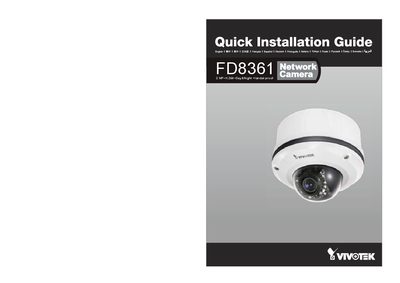
This guide provides step‑by‑step instructions for installing the Vivotek FD8361 camera, including mounting, power connection, and network setup. It covers the required cables, PoE support, and basic configuration to get the camera operational quickly.
Key specifications such as supported video formats (NTSC/PAL), memory card type (SD/SDHC up to 48 GB), operating temperature range (‑20 °C to 50 °C), and RJ45 Ethernet connection are listed, along with safety and environmental notes.
| Operating Temperature | -20 °C to 50 °C |
|---|---|
| Video Format | NTSC/PAL |
| Memory Card | SD/SDHC up to 48 GB |
The camera operates from –20 °C to 50 °C.
It supports both NTSC and PAL video formats.
An SD or SDHC card up to 48 GB is supported.