
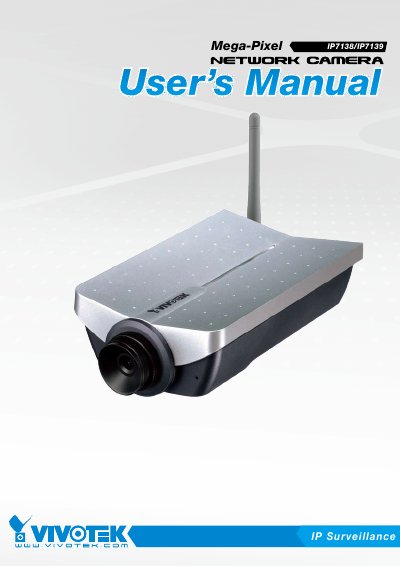
This manual covers the VIVOTEK IP7138/IP7139 network camera, describing its hardware features, power options, and supported video formats. It includes detailed steps for installing the camera, configuring network settings, and using the bundled software utilities.
Additional sections explain how to set up wireless connectivity (IP7139), reset the device, manage security settings, and perform maintenance tasks. Technical specifications and troubleshooting guidance are provided at the end of the document.
| Image sensor | 1.3M‑Pixel CMOS sensor in VGA resolution |
|---|---|
| Power consumption | 4.4 W (IP7138) / 4.9 W (IP7139) |
| Dimensions | 177 mm × 96.2 mm × 47.4 mm (D × W × H) |
| Weight | 276 g (IP7138) / 292 g (IP7139) |
| Operating temperature | 0 °C ~ 50 °C (32 °F ~ 122 °F) |
| Network interface | 10/100 Mbps Ethernet RJ‑45 |
| Lens mount | CS mount, f=6.0 mm, F1.8 |
The camera measures 177 mm deep, 96.2 mm wide, and 47.4 mm high (including lens).