
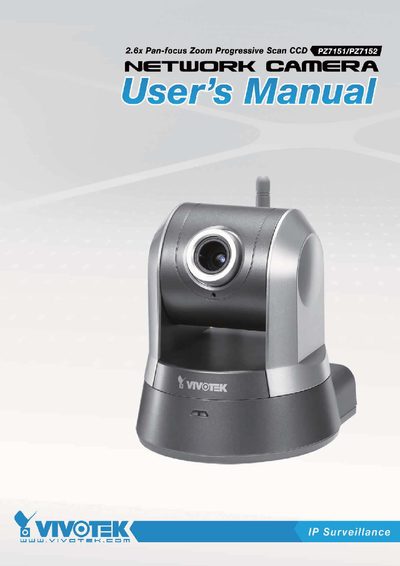
This manual covers the complete setup of the VIVOTEK PZ7151 (PoE) and PZ7152 (WLAN) network cameras, including hardware installation, network deployment, and software installation. It also explains how to access the camera via web browsers, RTSP players, and mobile devices, and provides detailed configuration options for security, networking, and motion detection.
Technical specifications, power options, I/O connections, and maintenance procedures are listed in the later sections, along with regulatory compliance and licensing information.
| CPU | VVTK-1000 SoC |
|---|---|
| Flash memory | 8 MB |
| RAM | 64 MB |
| Weight | 352 g (PZ7151) / 371 g (PZ7152) |
| Operating temperature | 0 °C – 50 °C |
Press and hold the indented reset button for over 30 seconds until the status LED rapidly blinks red and green; this restores factory settings.
The PZ7151 can be powered via 12 V DC adapter or through Power over Ethernet (PoE) using an 802.3af‑compliant switch.
The camera provides one digital input (DI) and one digital output (DO) on its general I/O terminal block.