
Quick installation guide for the VIVOTEK IP8372 Bullet Network Camera, covering mounting, wiring, and initial setup for outdoor use.
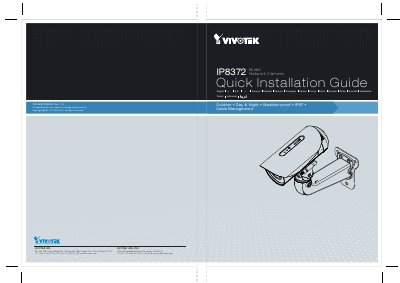
This guide provides step-by-step instructions for mounting and wiring the VIVOTEK IP8372 Bullet Network Camera. It includes details on wall mounting brackets, cable management, and connecting to PoE switches. The camera is designed for outdoor use with weatherproofing (IP67) and day/night vision.
The guide also covers connecting external devices like sensors and alarms via the generic I/O terminal block, and installing the camera software using the included CD. It includes diagrams for mounting, wiring, and connecting to PoE switches. This manual is written in Japanese.
| Resolution | 2MP |
|---|---|
| Weatherproof Rating | IP67 |
| Video Standards | NTSC/PAL |
| Power Supply | PoE (Power over Ethernet) |
Mount the camera using the included wall mounting bracket. Drill four holes in the wall, insert plastic anchors, and secure the plate with screws. Attach the cross-bracket to the camera’s side with two screws.
Connect the camera to a PoE switch using an Ethernet cable. If your switch does not support PoE, use a PoE power injector.
Run the 'Installation Wizard 2' from the Software Utility directory on the included CD. The program will analyze your network and search for compatible VIVOTEK devices.