
This document provides quick installation instructions, safety warnings, and package contents verification for the VIVOTEK IP816A-HP network camera.
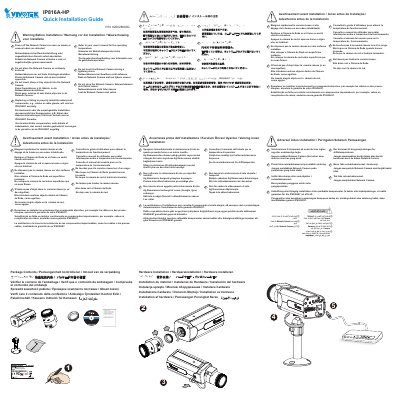
This Quick Installation Guide covers essential safety precautions and warnings before installing the VIVOTEK IP816A-HP network camera. It includes multilingual warnings regarding operating temperatures, handling during lightning storms, and the invalidation of the IP65/66/67 waterproof warranty if components are improperly installed or replaced. This manual is written in Chinese.
| Waterproof Warranty Rating | IP65/66/67 |
|---|
Replacing or failing to properly install waterproof components, such as cables or cable glands, will void the IP65/66/67 warranty.
The network camera should be powered off immediately if smoke or unusual odors are detected.