
The VIVOTEK AJ-001 USB Joystick Quick Installation Guide explains USB connection, package contents, and keypad functions for VAST server stations.
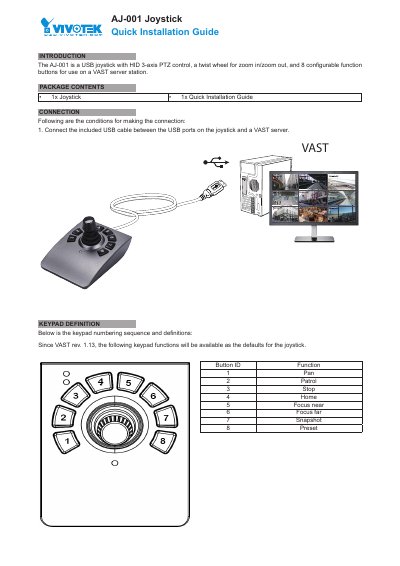
The VIVOTEK AJ-001 is a USB joystick with HID 3-axis PTZ control, a twist wheel for zoom in/zoom out, and 8 configurable function buttons for use on a VAST server station.
The package contains the joystick and this Quick Installation Guide. Connect the included USB cable between the joystick and a VAST server, then use the numbered buttons for functions such as Pan, Patrol, Stop, Home, Focus near, Focus far, Snapshot, and Preset.
| Interface | USB |
|---|---|
| Axis Control | 3-axis PTZ |
| Zoom Control | Twist wheel |
| Function Buttons | 8 configurable |
| Compatibility | VAST server station |
The package includes 1x Joystick and 1x Quick Installation Guide.
Connect the included USB cable between the USB ports on the joystick and a VAST server.
Button 1 performs Pan.
This device should be operated in the indoor environment.