
This manual provides installation and usage instructions for the Thermaltake Commander G32 TG mid-tower computer case, covering component mounting and cable…
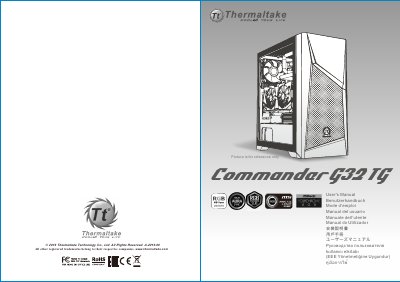
The Thermaltake Commander G32 TG is a mid-tower computer case designed to support Mini ITX, Micro ATX, and ATX motherboards. It features a tempered glass side panel, support for up to 7+2 expansion slots, and includes pre-installed front and rear fans. The case supports various cooling configurations, including air cooling and radiator series, with specific height and length limitations for components. This manual is written in Chinese.
| Case Type | Middle tower |
|---|---|
| Dimensions | 461 x 225 x 471 mm |
| Front Fan Support | 1 x 280 mm, 1 x 360 mm |
| Rear Fan Support | 1 x 120 mm |
| Expansion Slots | 7+2 |
| CPU Cooler Height Limitation | 165 mm |
| VGA Length Limitation | 300 mm |
The maximum height for the CPU heatsink is 165 mm (6.5 inches).
The maximum length for the VGA (graphics card) is 300 mm (11.8 inches).