
The Thermaltake H350 TG RGB user manual provides installation steps, specifications, and wiring instructions for the mid‑tower case.
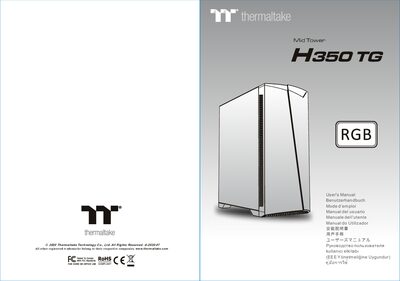
This manual guides users through the complete setup of the Thermaltake H350 TG RGB mid‑tower case, including side‑panel removal, power‑supply placement, motherboard mounting, and HDD installation. It also details the connection of case LEDs, USB 3.0, and audio headers with multilingual instructions.
Technical specifications such as case dimensions, component clearance limits, fan support, and expansion slot count are listed, along with safety warnings for CPU‑cooler height (150 mm) and VGA card length (300 mm).
| Case dimensions (H × W × D) | 442 mm × 210 mm × 480 mm |
|---|---|
| Expansion slots | 7 |
| Front fan support | up to three 120 mm fans |
| PSU length limitation (with HDD rack) | 160 mm |
It provides seven expansion slots.
The case measures 442 mm high, 210 mm wide, and 480 mm deep.