
This user manual provides installation instructions and specifications for the Thermaltake H100 TG mid tower computer case.
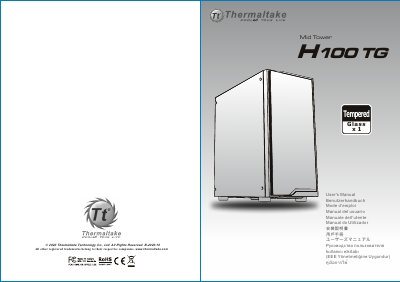
The Thermaltake H100 TG is a mid-tower computer chassis designed to support various motherboard form factors including Mini ITX, Micro ATX, and ATX. The package includes tempered glass side panels and necessary hardware for component installation.
This manual covers the complete setup process, including disassembly of the side panel, installation of the power supply unit, mounting the motherboard, installing storage drives (HDD/SSD), connecting internal cables (LEDs, USB 3.0, audio), and managing airflow with air cooling or radiator support.
| Chassis Dimension (H*W*D) | 416 x 210 x 454 mm (16.4 x 8.3 x 17.9 inch) |
|---|---|
| CPU Cooler Height Limitation | 180 mm (7.1 inches) |
| VGA Length Limitation | 320 mm (12.6 inches) |
| Expansion Slots | 7 |
| Drive Bays - Accessible | 2 x 2.5" or 3 x 3.5" |
| USB 3.0 Ports | x 2 |
The height limit for the CPU heatsink is 180 mm (7.1 inches).
The length limit for the VGA (graphics card) is 320 mm (12.6 inches).
It supports Mini ITX, Micro ATX, and ATX motherboards.