
Key facts
- Manuals
- 1
- Languages
- EN
- Last added
- 2026-09-29
Featured Thermaltake manuals
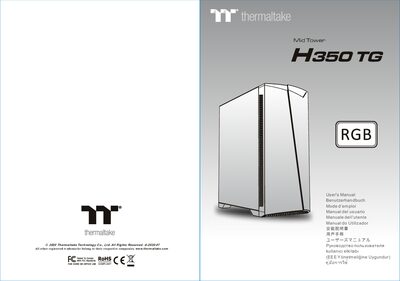
Thermaltake H350 TG RGB User Manual
This manual guides users through the complete setup of the Thermaltake H350 TG RGB mid‑tower case, including side‑panel removal, power‑supply placement, motherboard mounting, and HDD installation. It also details the connection of case LEDs, USB 3.0, and audio headers with multilingual instructions.
Technical specifications such as case dimensions, component clearance limits, fan support, and expansion slot count are listed, along with safety warnings for CPU‑cooler height (150 mm) and VGA card length (300 mm).
Covers: Product Introduction · Installation Guide · Specification · Warning and Notice · Side Panel Disassembly · PSU Installation
Latest Thermaltake manuals
Thermaltake H350 TG RGB User Manual
User Manual 12 pages · 5.7 MB · ENThe Thermaltake H350 TG RGB user manual provides installation steps, specifications, and wiring instructions for the mid‑tower case.
Which document do I need?
User Manual
Day-to-day operation, settings and troubleshooting. Start here if the product is already set up.
Questions answered in Thermaltake manuals
How many expansion slots does the H350 TG RGB provide?
It provides seven expansion slots.
What are the dimensions of the Thermaltake H350 TG RGB case?
The case measures 442 mm high, 210 mm wide, and 480 mm deep.