
This user manual provides installation instructions and specifications for the Thermaltake CA-1H8-00M1WN-00 mid tower computer case.
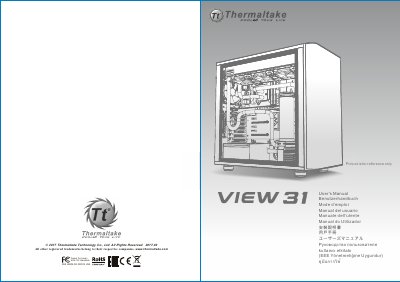
The document serves as a comprehensive guide for installing components into the Thermaltake CA-1H8-00M1WN-00 chassis. It covers the disassembly of side panels, installation of the power supply unit (PSU), motherboard, hard drives, PCI cards, and various cooling systems including air and liquid cooling options.
The manual also details how to connect internal leads such as case LEDs, USB 3.0 ports, and audio jacks. It includes a list of included accessories like screws and stand-offs, along with critical dimensional limitations for CPU coolers, graphics cards, and power supplies.
| Case Type | Mid Tower |
|---|---|
| CPU Cooler Height Limitation | 180mm |
| VGA Length Limitation (with HDD rack) | 278mm |
| PSU Length Limitation (With One Bottom Fan) | 180mm |
| Dimension (H*W*D) | 497 x 250 x 511mm |
The CPU cooler must not exceed 180mm (7.1 inches) in height.
The VGA add-on card must not exceed 278mm (10.9 inches) in length.
The package includes M3 x 5mm screws used for the motherboard and 2.5" HDD.