
The Thermaltake SMART SE user manual provides installation, safety warnings, troubleshooting steps, and specifications for the 730W, 630W, and 530W power…
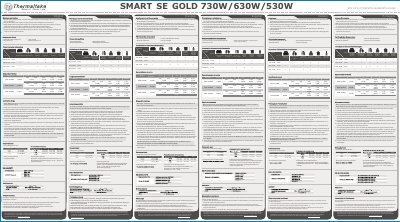
This manual covers the safe installation and connection of the Thermaltake SMART SE power supplies. It includes safety cautions, component checks, wiring instructions for the 24‑pin main connector, CPU 4+4‑pin, SATA, and PCI‑E connectors, and guidance on mounting the unit in a computer case.
The troubleshooting section explains how to verify the AC power cord, I/O switch position, and all power connectors, as well as how to check UPS operation. Technical specifications such as output voltages, current limits, and protection features are listed for each wattage model.
No. The power supply contains high voltages and should only be opened by an authorized service technician or electrician; doing so voids the warranty.