
This guide explains the features of the Si838xISO-EVB evaluation board, including kit contents, system-level transition values, and timing characteristics…
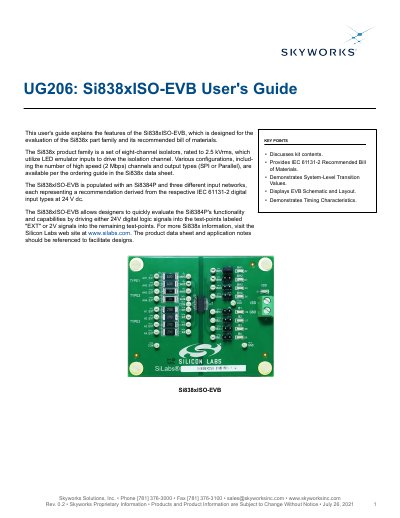
The Si838xISO-EVB is an evaluation board designed for the Si838x part family, which consists of eight-channel isolators rated to 2.5 kVrms. The board is populated with an Si8384P unit and three different input networks representing IEC 61131-2 digital input types at 24 V dc. It allows designers to evaluate the Si8384P's functionality by driving 24V digital logic signals or 2V signals into specific test-points.
| Isolation Rating | 2.5 kVrms |
|---|---|
| Product Family Type | eight-channel isolators |
| Input Type | LED emulator inputs |
| High Speed Channels | 2 Mbps |
| Output Types | SPI or Parallel |
| Power Supply A | 24V, 100mA |
| Power Supply B | 2.5-5.5V, 100mA |
| AHx High-Speed Channels Max Frequency | 1 MHz |
| Ax Low-Speed Channels Max Frequency | 100 kHz |
The default output signal is a logic LOW when no power or signal is supplied to the input.
Required equipment includes two DC power supplies (24V and 2.5-5.5V), banana-to-test clip cables, banana-to-wire cables, and a 2-pin header shunt.
The EVB has 2 channels configured for both Type-1 and Type-2.