
This guide describes the operation of the Skyworks Si52204-EVB evaluation board for the Si52204 4-output PCI-Express and SRIS clock generator.
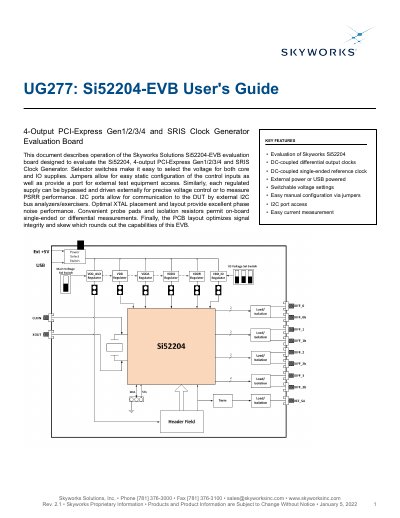
The Si52204-EVB is an evaluation board designed to support the Si52204 device, allowing users to evaluate it in stand-alone mode or I2C mode. In stand-alone mode, device pins are controlled via on-board jumpers, while I2C mode allows setup via an external driver connected to the SCL/SDA header.
The board features switchable voltage settings for core and IO supplies, with options to bypass regulated supplies for precise voltage control or PSRR performance measurement. It includes I2C ports for communication with external analyzers, optimized crystal placement for phase noise performance, and convenient probe pads for single-ended or differential measurements. This manual is written in Chinese.
| Supported Device | Si52204 |
|---|---|
| Power Supply Input | +5 V (USB or External) |
| Supported VDD Voltages | +1.8 V or +1.5 V |
| Reference Output Frequency | 25 MHz |
| Output Clock Types | DC-coupled differential and single-ended |
Control input pins can be configured to low, mid, or high input states using header J14.
Measure the voltage between test points VDDx and VDDx_PIN, as a 1 ohm resistor exists between them.
Yes, you can drive the input clock externally via SMA connector J1 (CLKIN) by populating specific resistors.